

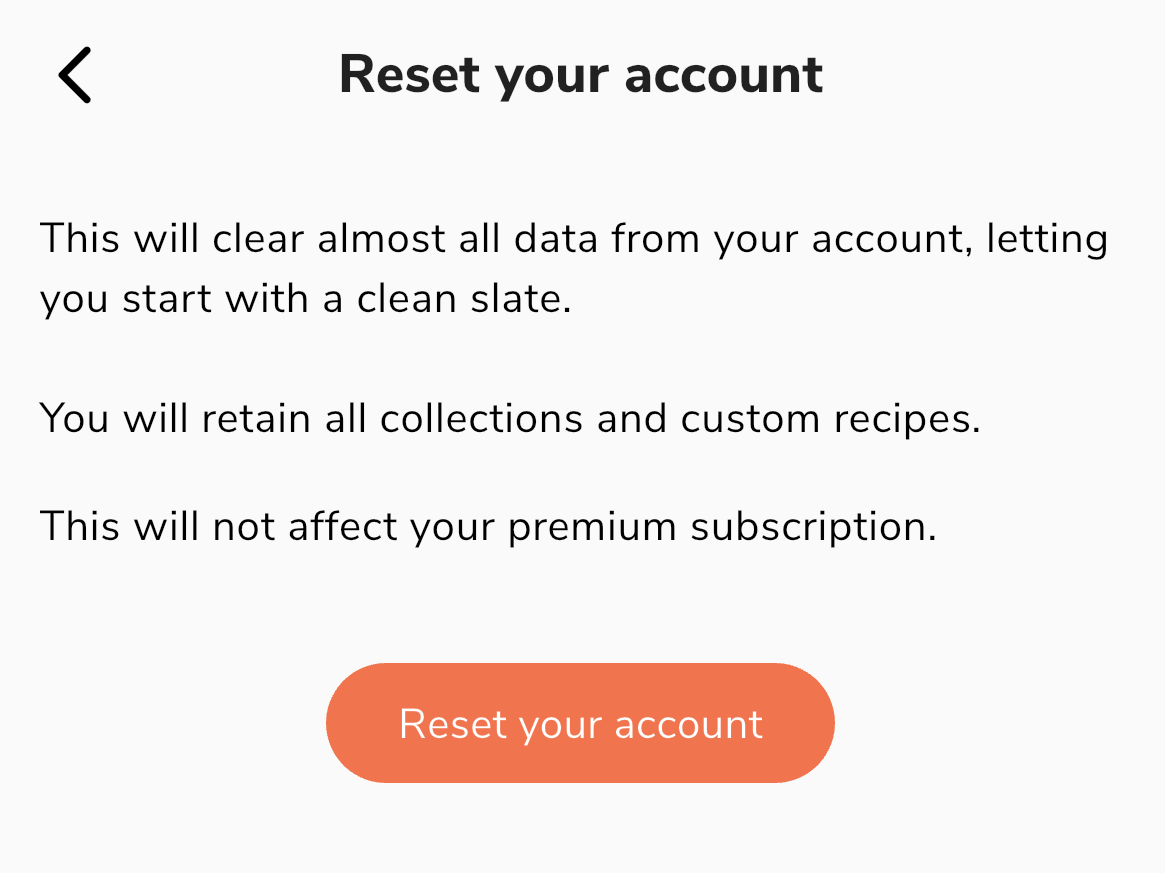
If you feel like you need a fresh start, you can reset your account to start over with a clean slate. This will redirect you back to the initial start-up walkthrough and allow you to select your preferences as if you're just getting started.
On the website:
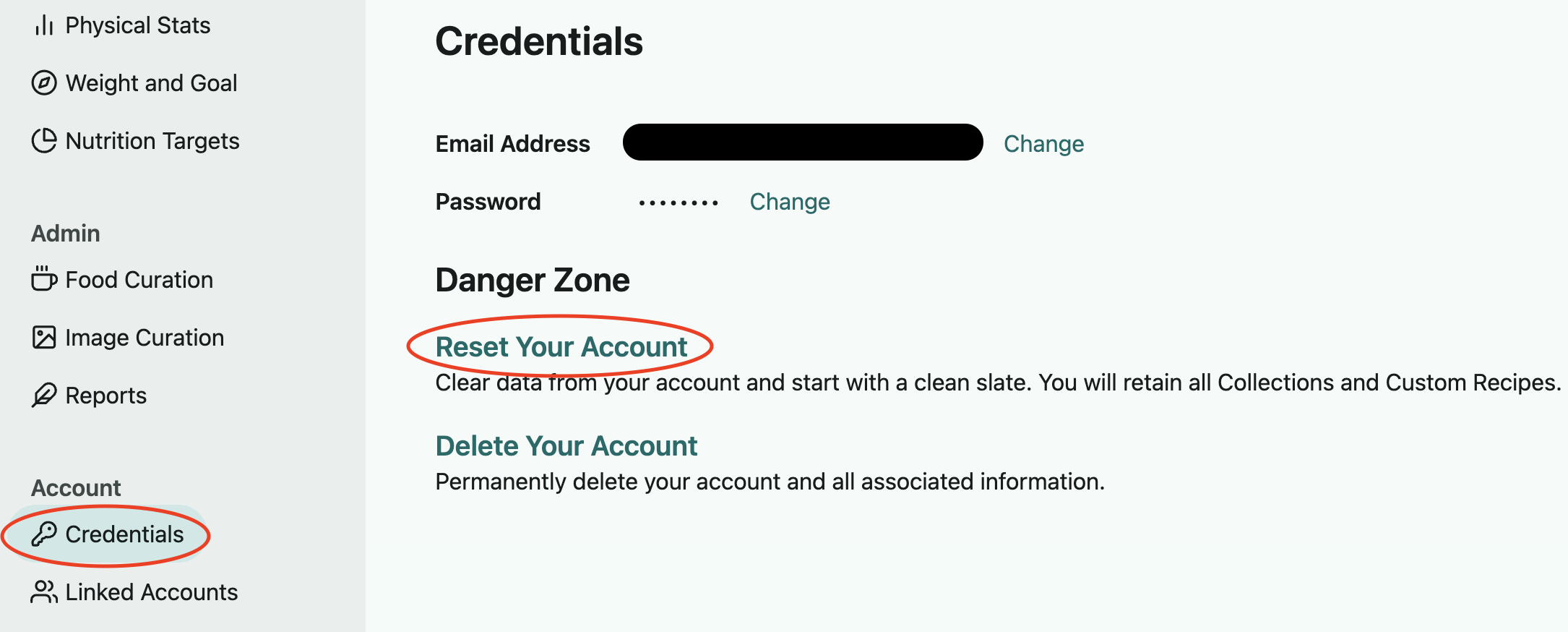
Open the left sidebar menu and select Credentials under Account, then follow the Reset Your Account option.
On the app:
Go to Preferences in the lower right of the app, select the Account Info option in the Account section, and you'll find the "Reset your account" option on this page.
What this does and doesn't reset:
Resets
Meal plans in your planner calendar and grocery list
Primary diet, food exclusions, and rated foods
Meal settings (including recurring foods)
Leftovers
Nutrition targets
Weight goal
Generator settings
Stays the same
Height, weight, age, gender
Pantry list
Custom foods and recipes
Collections
Saved meal plans
Weight entry history