

Each of your Nutrition Profiles can also have a limit on sodium and cholesterol, as well as a minimum target for fiber.
To edit these, start editing one of your nutrition profiles (more info here: How to change your nutrition targets, or add new Nutrition Profiles )
When on the editing page for a nutrition profile, scroll to the "Micronutrients" section of the page and you can set a Fiber goal as well as toggle on/off the options to set a daily limit for Sodium and Cholesterol:
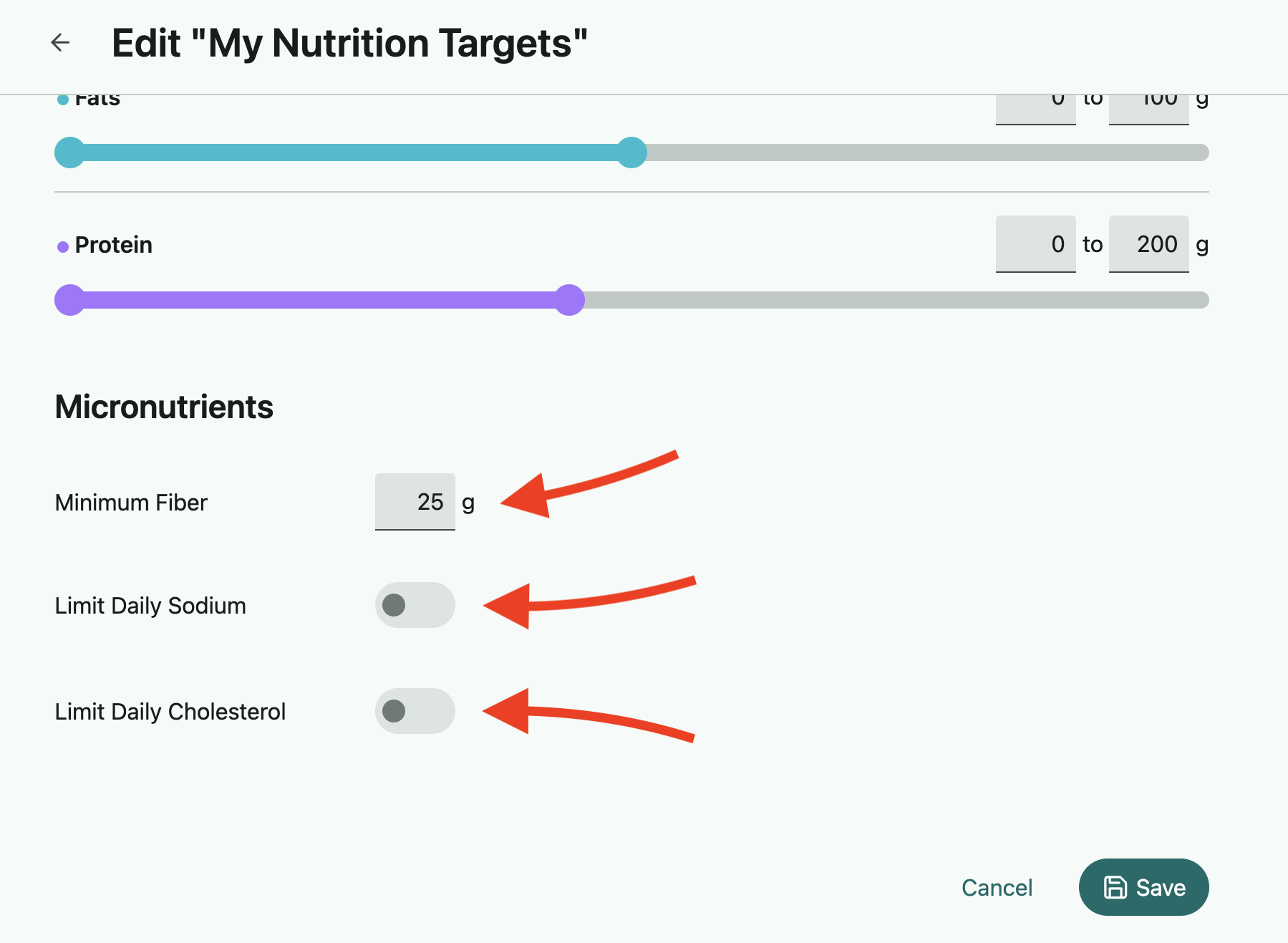
Select what you want, click save, and then regenerate your meal plan to get new suggestions with these settings applied.
*Please note that these micronutrient settings are not given as much priority by the generator when creating a meal plan as the daily caloric and macronutrient goals, so you'll always want to double-check on these numbers when you receive a meal plan to be certain they're aligning with your needs.