
"Serving" is ultimately a bit of an ambiguous term and will vary recipe to recipe. Our generator will determine the number of servings for each meal based on what works best with your nutrition targets.
When you click on a recipe in your meal plan, the ingredient amounts are already scaled to the number of servings planned for your meal. So, as long as you follow the recipe in your meal plan that's been scaled for you, you'll end up with the correct serving size for that meal.
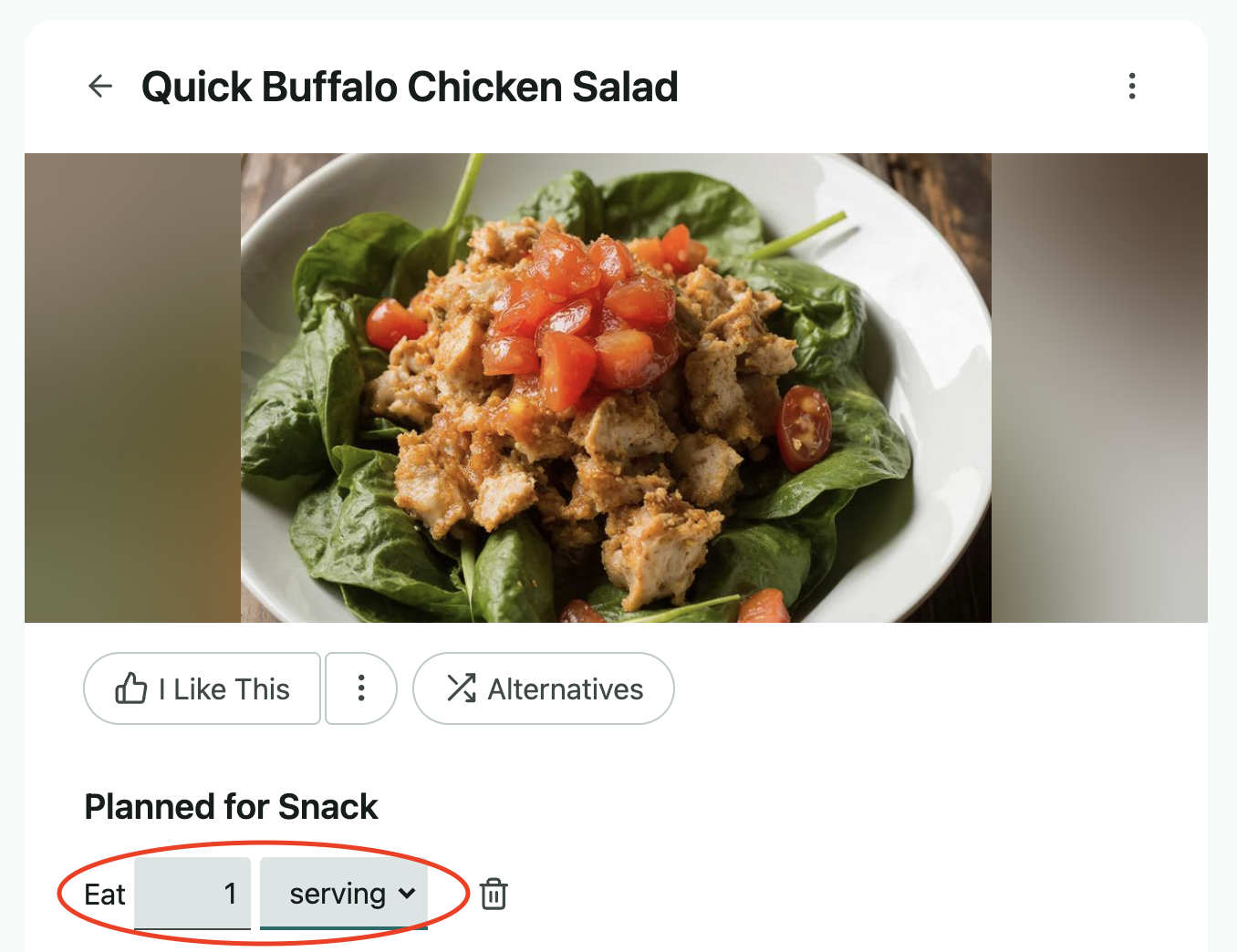
You can always click on a recipe and adjust the number of servings, and the ingredient amounts will automatically be scaled up or down accordingly. If you click on the serving drop-down, you'll have the option to convert this to grams, which will total up the number of grams in each ingredient.
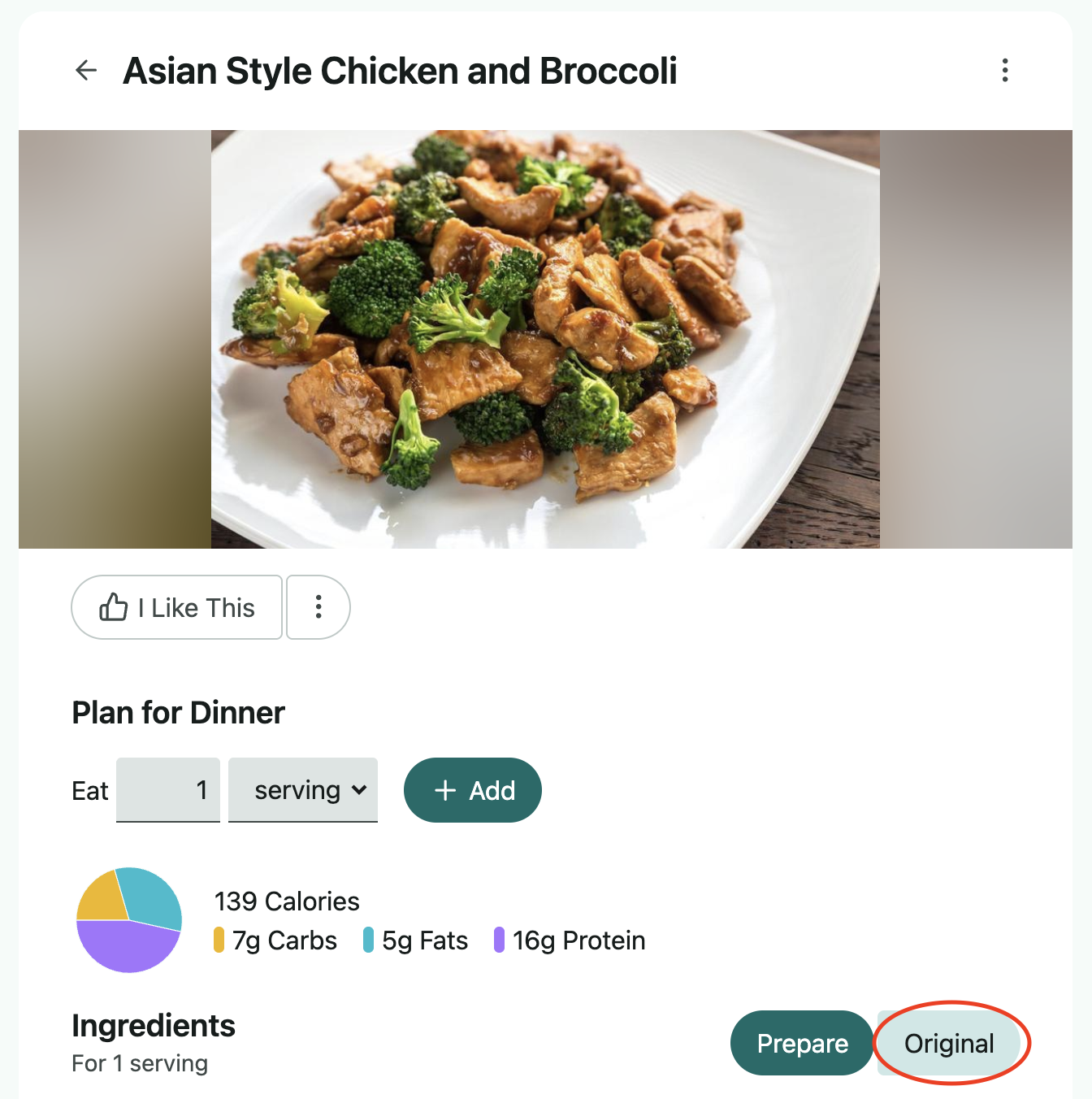
When you click on a recipe within the search option, this will scale to 1 serving by default, and you can select the Original option near the bottom right to scale back to the full original recipe, as shown below.