You can easily adjust your mailing list preferences with us any time from your account.
On the website:
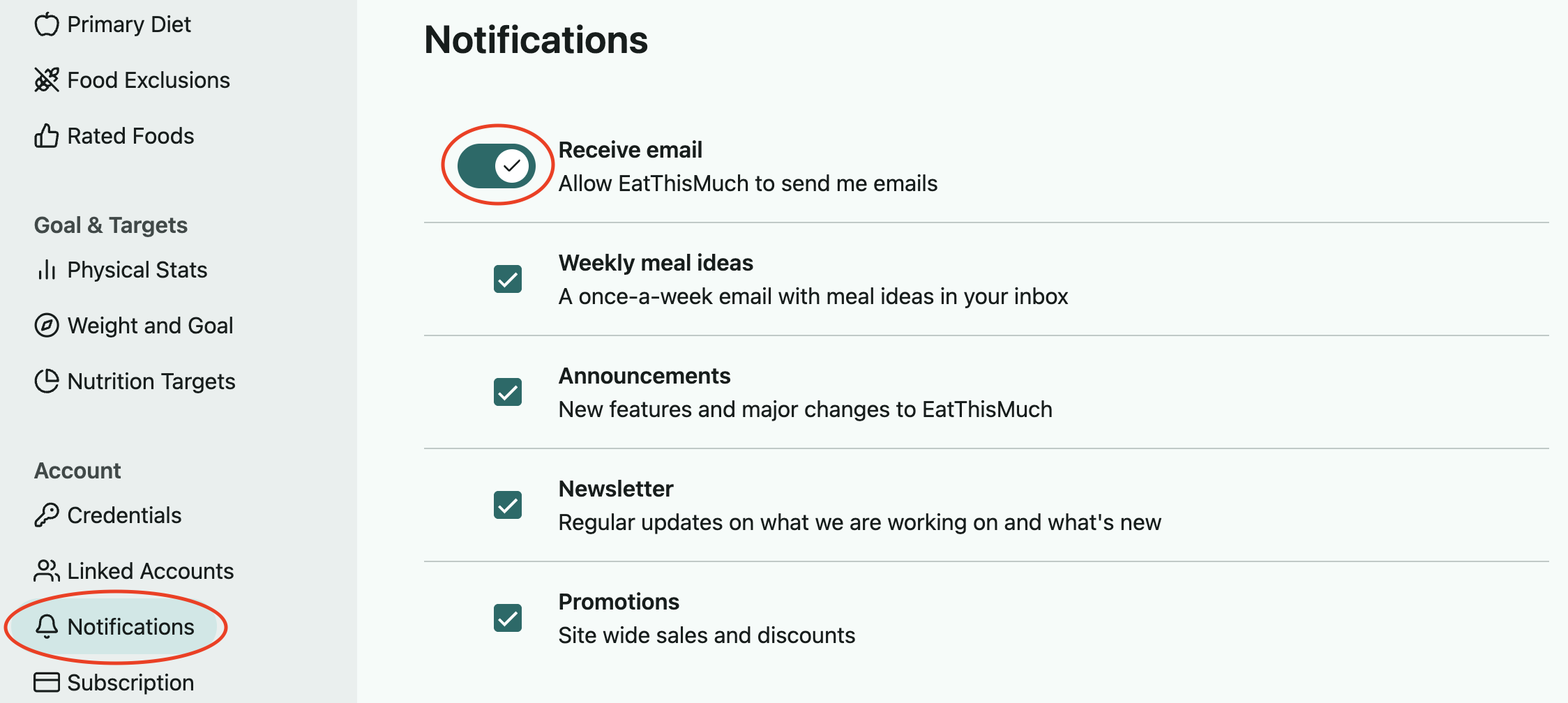
Open the left sidebar menu, scroll down to the Account section, and select Notifications.
Toggling off the top 'Receive email' option will remove you from all mailing lists, or you can leave this on and unsubscribe from particular lists using the checkboxes below.
On the app:
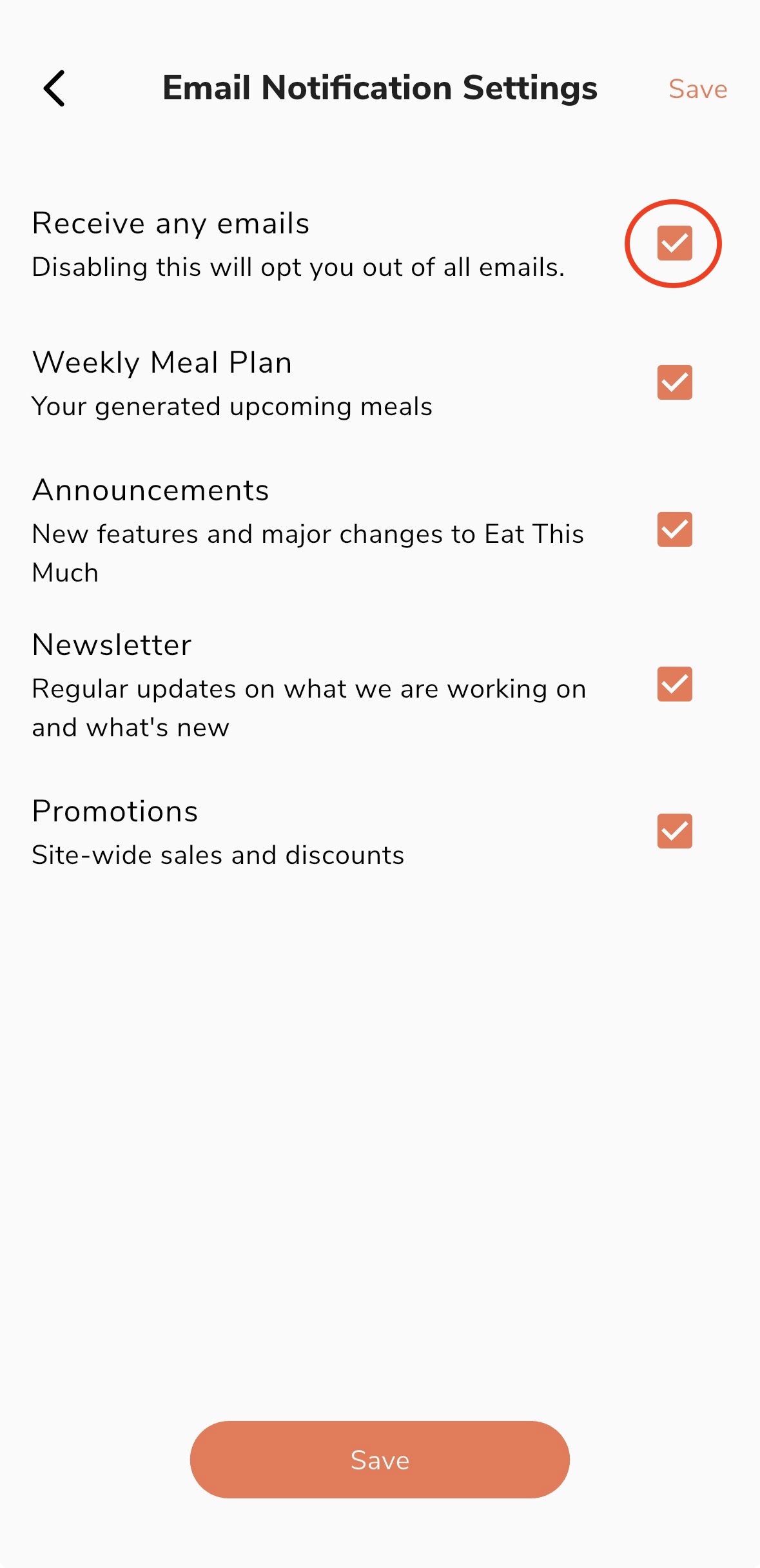
Go into Preferences in the lower right, scroll down to the Account section, and select the Email Notification Settings option.
Unchecking the top 'Receive any emails' option will remove you from all mailing lists, or you can leave this checked and unsubscribe from particular lists using the checkboxes below. Just be sure to save before leaving this page.