
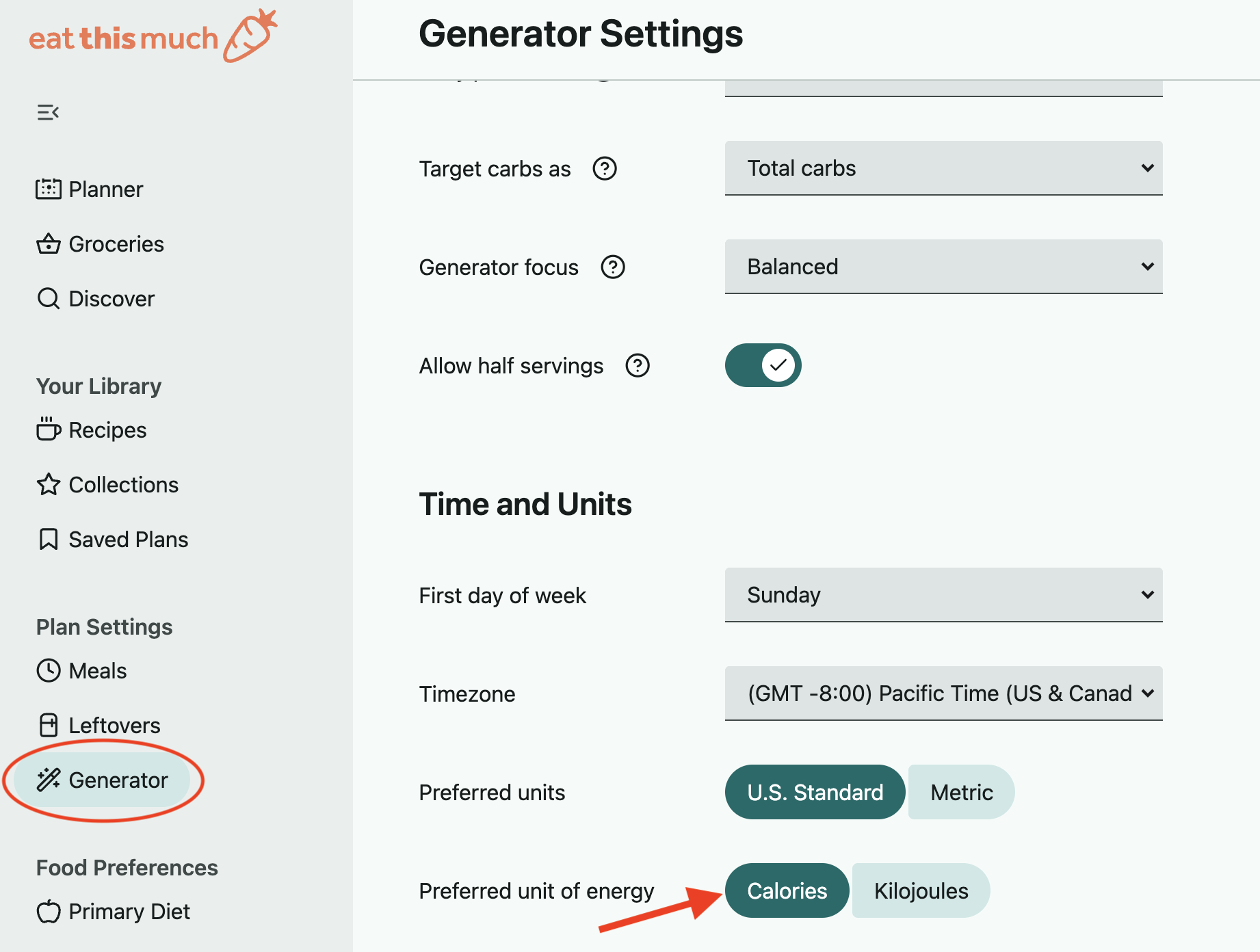
On the website:
Open the left sidebar menu and select Generator under Plan Settings.
Scroll down to the Time and Units section to find the bottom 'Preferred unit of energy' option, where you can switch between Calories and Kilojoules.
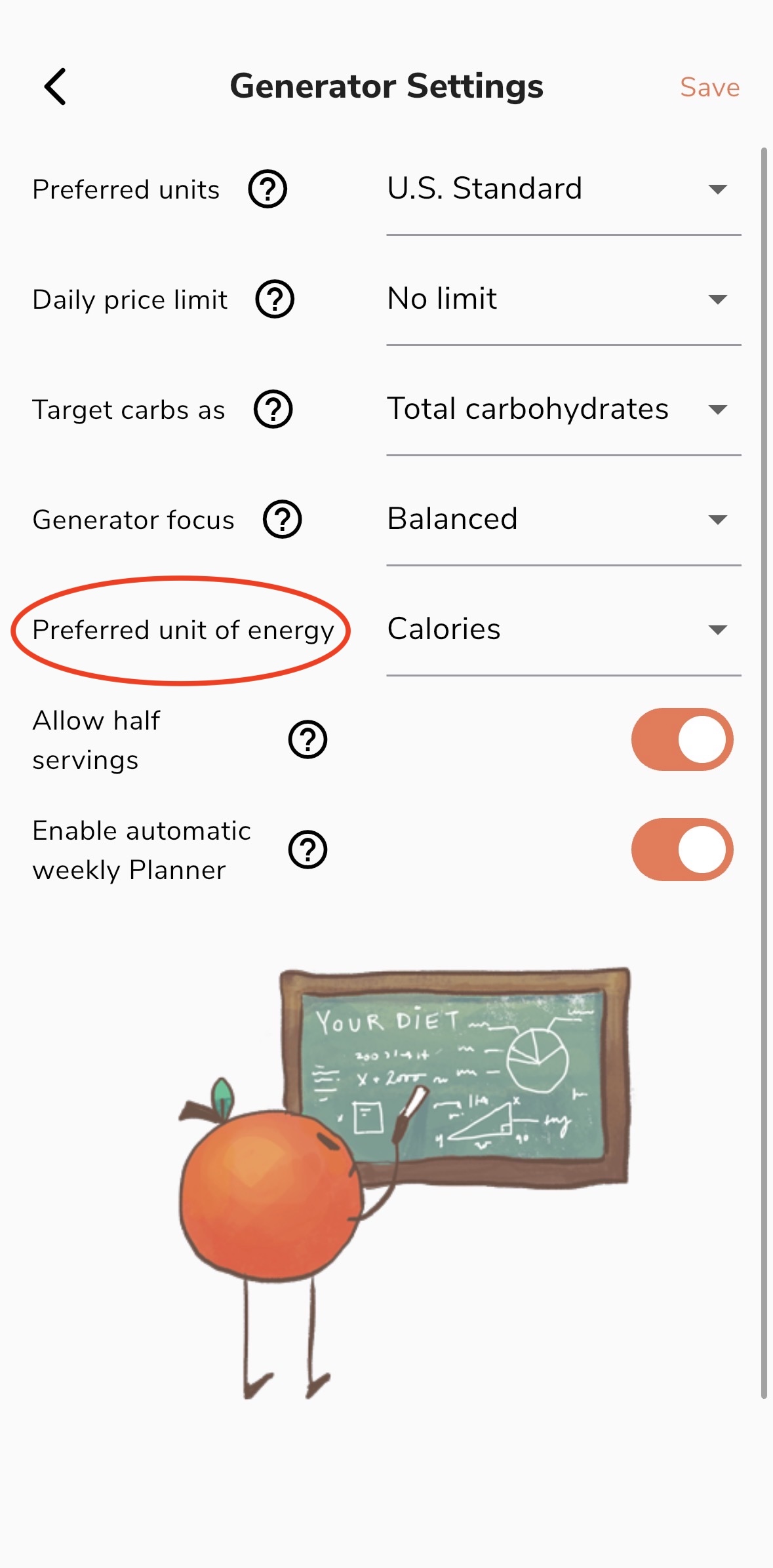
On the app:
Go into Preferences in the lower right and select the Generator Settings option in the Plan Settings section.
The 'Preferred unit of energy' option is where you can switch between Calories and Kilojoules. Just be sure to save before leaving this page.