
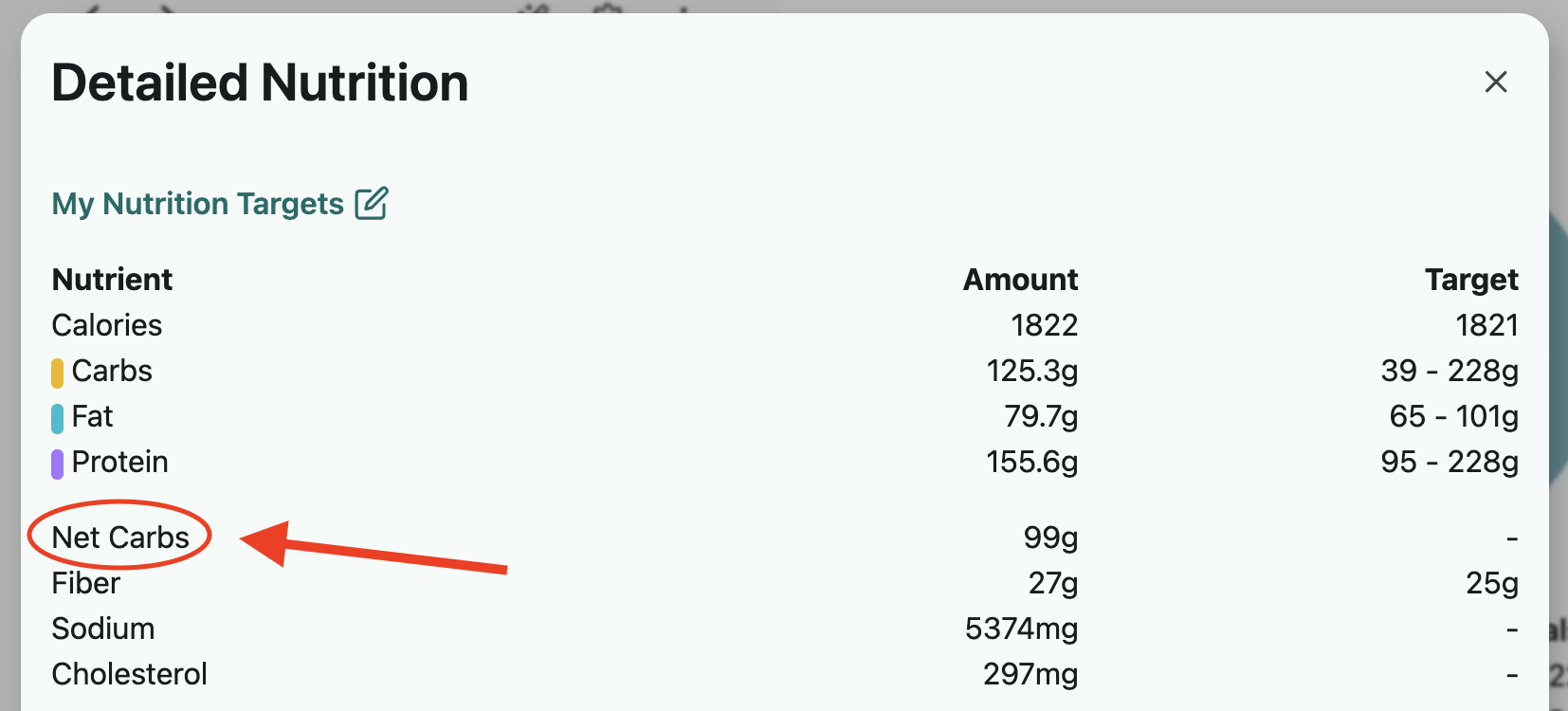
The default carbs value displayed is total carbs, but we do provide the net carbs values as well. If you select the Detailed Nutrition Information for a day's nutrition totals or for a specific food/recipe, you'll find the net carbs value here.
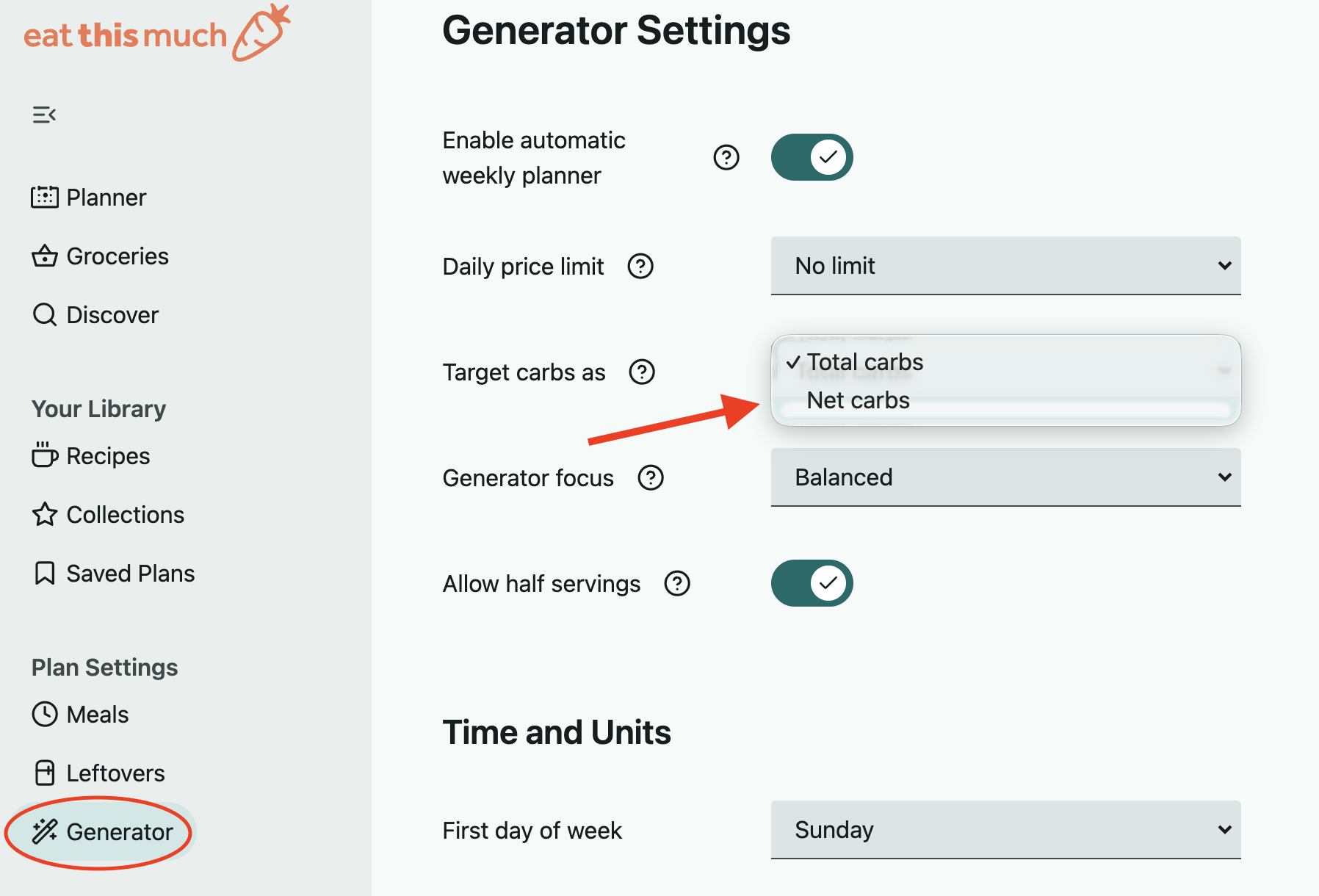
If you prefer the main carbs value listed to default to net carbs rather than total carbs, you can adjust this in your Generator Settings, as shown below. When the net carbs option is selected, fiber will be automatically excluded from the carb calculations in all pie charts.
On the website:
Open the left sidebar menu and select Generator under Plan Settings.
The 'Target carbs as' option will allow you to select total or net carbs as preferred.
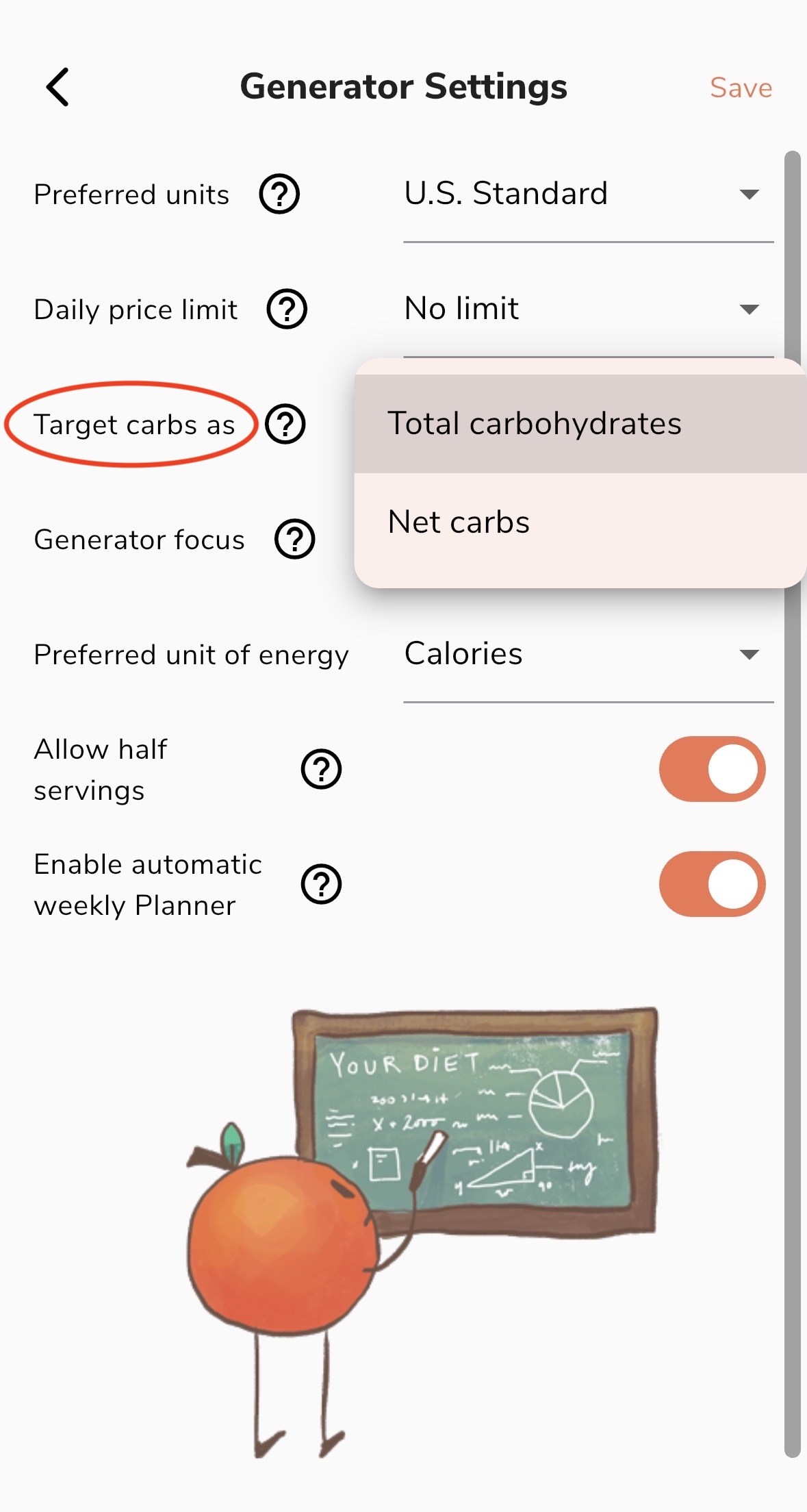
On the app:
Go into Preferences in the lower right and select the Generator Settings option in the Plan Settings section.
The 'Target carbs as' option is where you can switch between total and net carbs. Just be sure to save before leaving this page.